
There are a few ways to play games on discord. Games on Discord are known as activities.
There are a few different ways to play Soulbound, the MMORPG on Discord. All of them required you to have a Discord account. Follow these steps to create your account and start playing.
Download and install Discord
If you don’t have Discord, download and install the Discord app and create an account, you can do that here.
How to start Soulbound on Discord
Install The App On Your Account
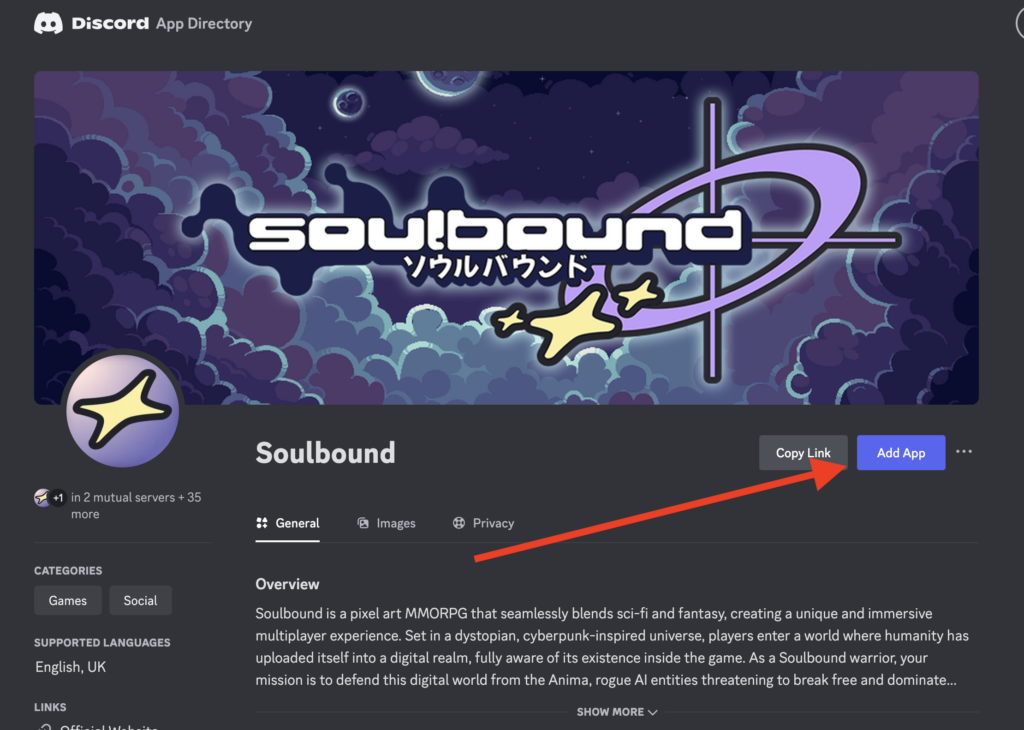
You can install the Soulbound app onto your Discord account by adding it from the Discord App Directory Page.
Visit The Discord App Directory.
Click ‘Add App‘.
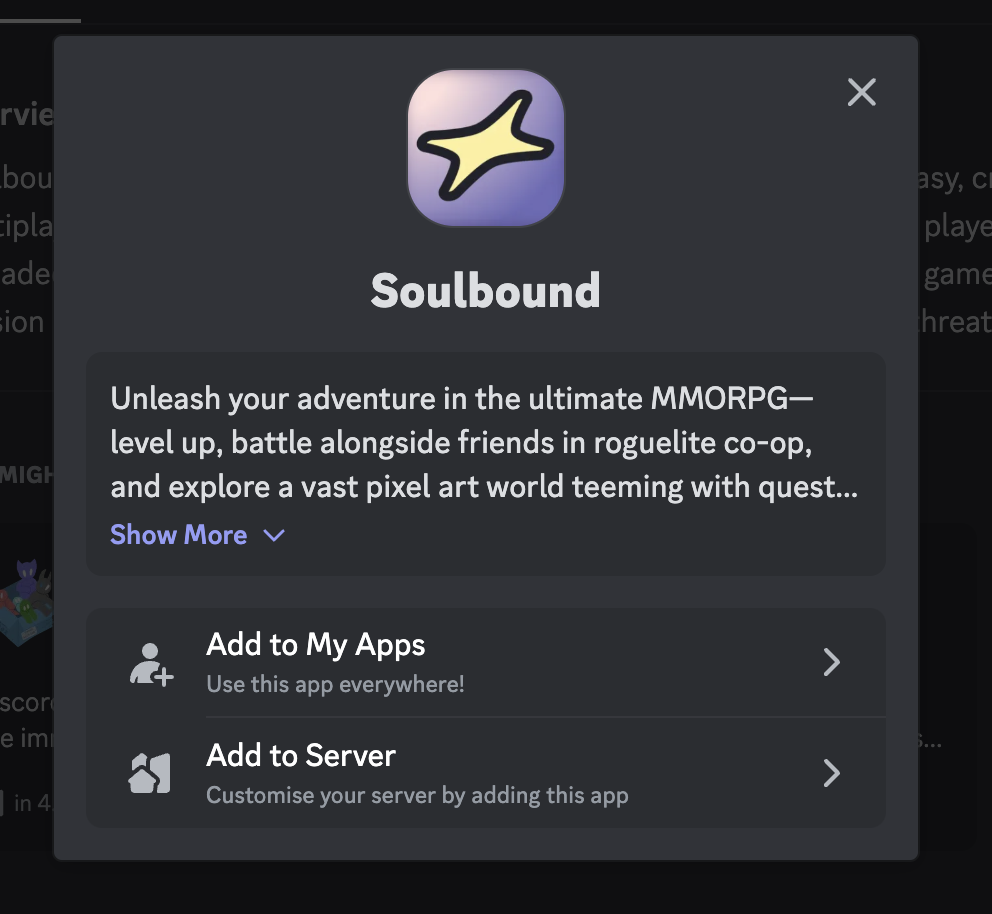
Add to My Apps or Add to Server to add Soulbound to your Discord Account, or a Discord server that you have admin permissions for.
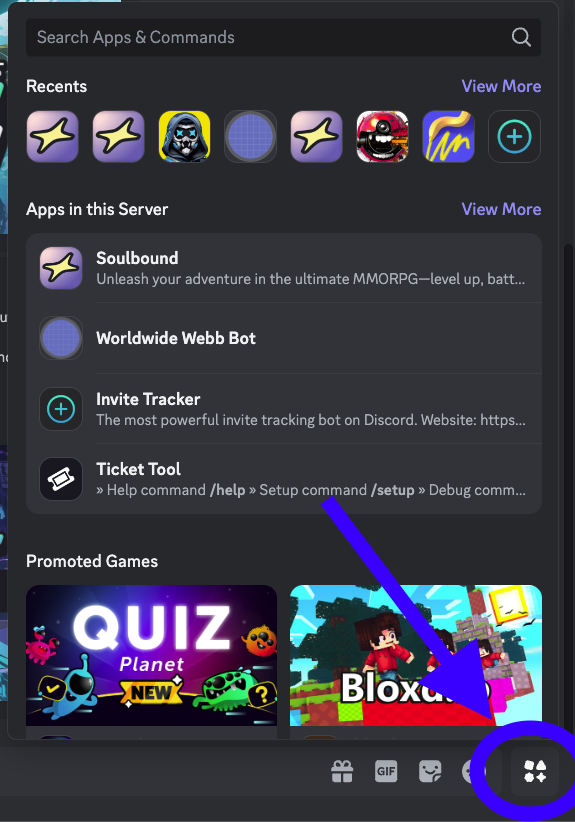
Alternative: Open Soulbound using the Discord Activities Widget
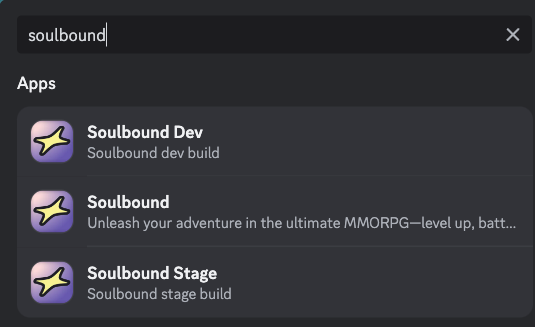
Alternatively, you can click on the Discord Activity button and search for ‘Soulbound’.
Creating a Soulbound Account using Discord
When you start the activity using Discord, you will be prompted to create a new game, which will create an account bound to your Discord username. You will only be able to create one account per Discord user. If you wish to start again, open a ticket in the support Discord channel.