
If you enter a dungeon and your weapon doesn’t appear right away, don’t panic. This is a known issue we’re actively investigating.
What’s happening?
When you enter a dungeon, you may notice your weapon is missing and you can’t attack. After about a minute, the weapon will load in and everything works as normal.
This issue is most common for players in Asia. Soulbound uses a regional server system, and when you enter a dungeon you’re moved onto a closer regional server to give you lower ping. A bug in this handoff is sometimes causing a delay before your weapon loads.
How to check your region
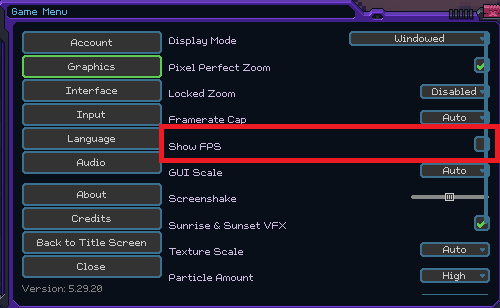
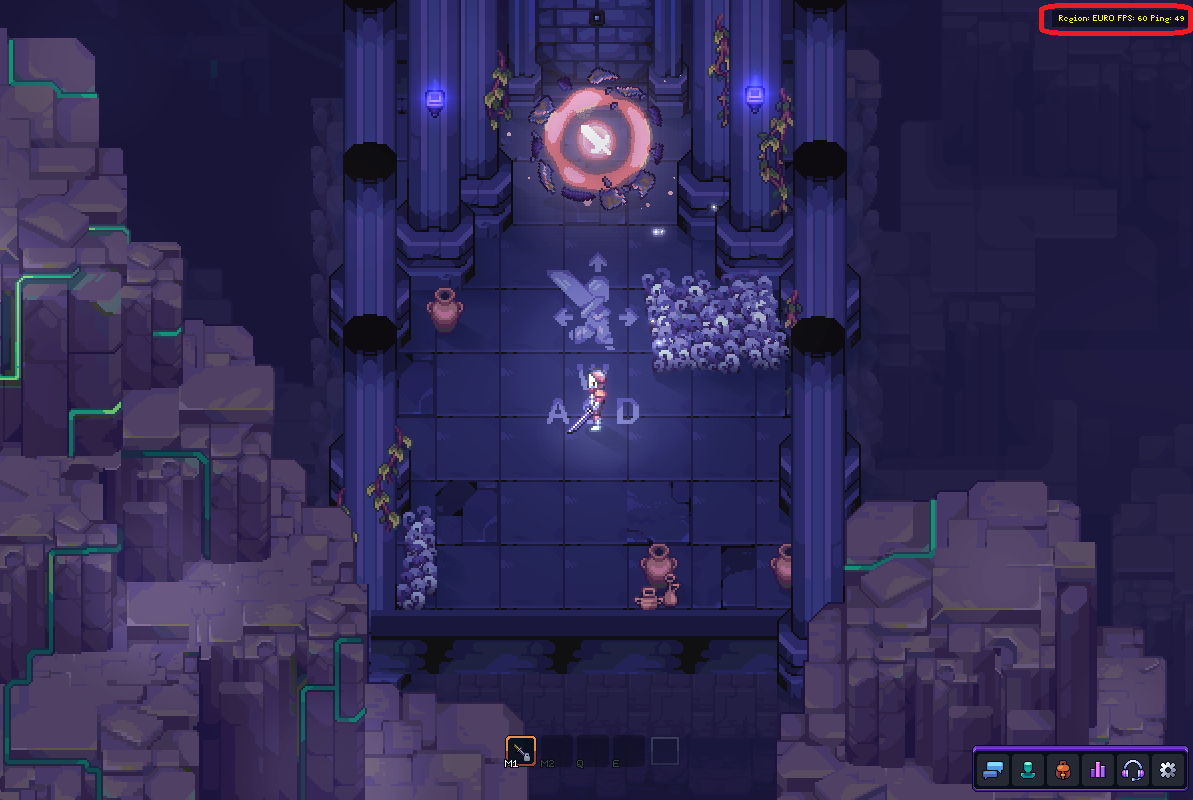
Go to Settings → Interface → Show FPS. This will display your current server region on screen. You should see it change when you enter a dungeon.
What to do
Wait about a minute after entering the dungeon. Your weapon should load in on its own. We know this isn’t ideal, and we’re actively working on a fix.
Status: Under investigation